 Framer
What you'll build
A polished, fully responsive portfolio site — hero, project gallery, an about section and a contact area — with tasteful animation, real SEO settings, and a custom domain. No code, and no design background required: Framer does the heavy lifting and you direct it.
Before you start
You'll need a free Framer account. The free tier publishes to a Framer subdomain; a custom domain needs a paid site plan. New to the tool? Skim our Framer review first for what it's good (and not good) at.
Step 1 — Generate a starting layout
Open a new site and describe what you want in one specific prompt: who you are, the sections you need, and the mood. Something like "a minimal portfolio for a product designer — large hero, a six-project grid, an about section and a contact footer, calm and modern." Framer generates a full, responsive draft you can immediately edit.
The clearer your brief, the closer the first draft. Don't aim for perfect — aim for a strong base to refine.
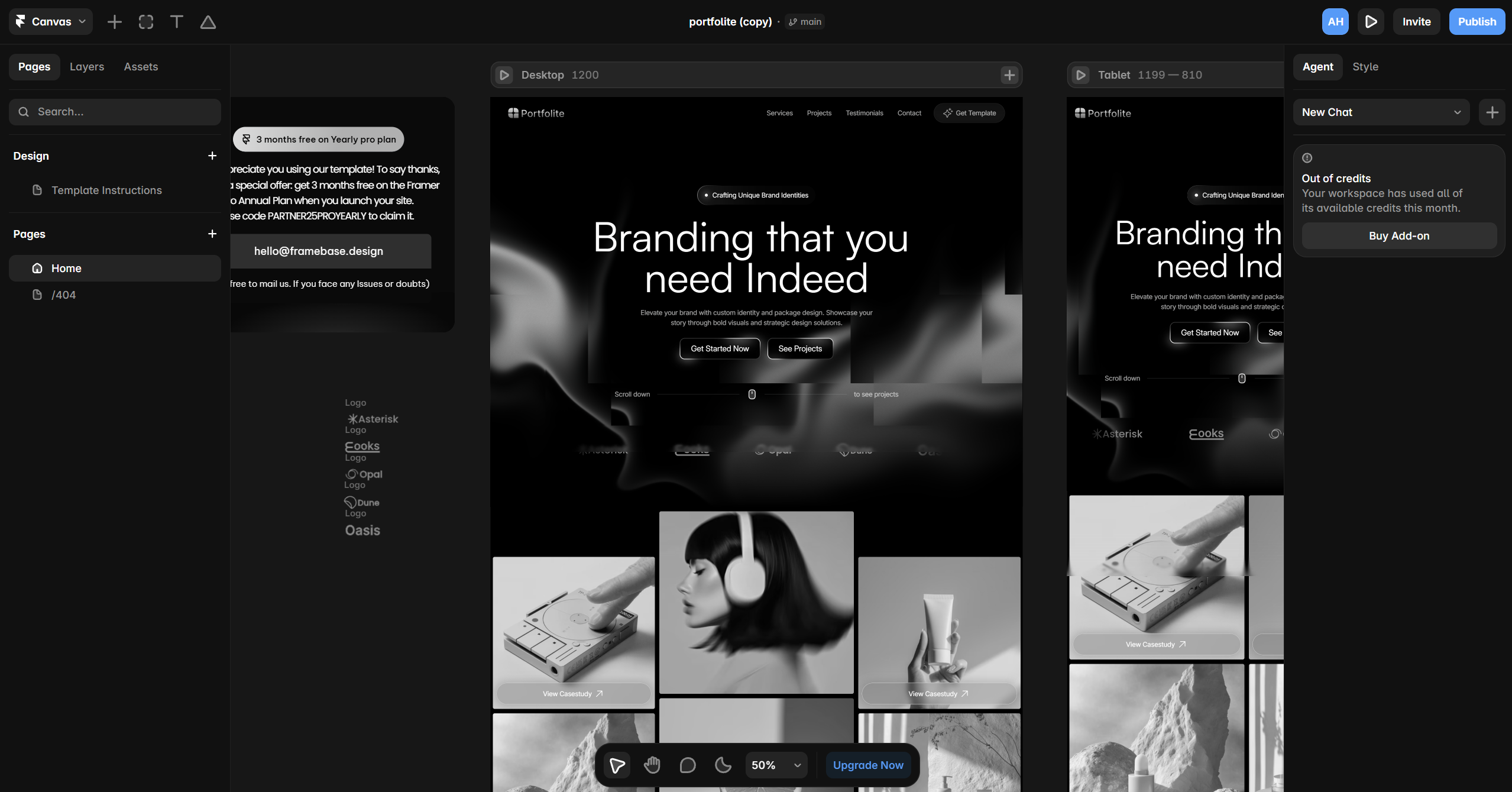
Step 2 — Add your real content
Replace the placeholder copy and images with your own. Put your projects into a CMS collection so each one is a reusable, structured item rather than a hand-built page — it keeps the site consistent and makes adding work later trivial.
Use real images at sensible sizes; Framer optimises them, but starting with tidy assets keeps the site fast.
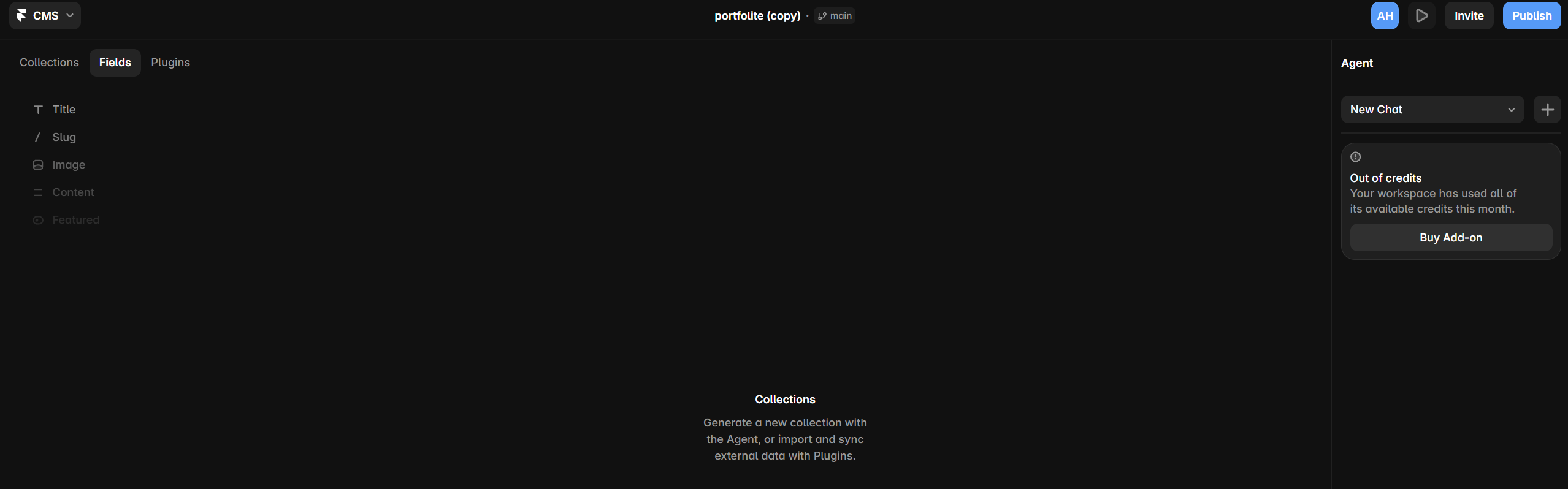
Step 3 — Refine design and motion
Tune typography, spacing and colour to your taste, then add restraint-led motion: a gentle fade-and-rise on scroll, a subtle hover on project cards. Framer's animation tools are powerful — the skill is using less than you think you want.
Check every breakpoint. Portfolios are viewed on phones constantly, so the mobile layout matters as much as desktop.
Step 4 — SEO and publish
Set the page title, description and social (OG) image so links look right when shared. Then publish — to the free subdomain to start, or connect your custom domain on a paid plan for a professional address.
Quick quality pass
Before you share it: check load speed on mobile data, confirm every link works, and read your copy aloud once. Those three checks catch most issues.
The result
A genuinely designer-grade portfolio, live on your own domain, that you can update in minutes whenever you ship new work — all without writing or maintaining code.
Build your portfolio with Framer (opens in a new tab)