 Bolt.new
What you'll build
A working web app — on the framework of your choice — built in Bolt's real in-browser environment and deployed live to Netlify. Along the way you'll learn the one skill that makes or breaks a Bolt project: keeping the token meter under control.
Before you start
You'll need a Bolt account; the free tier's daily tokens are enough to follow along for a small app. Bolt is developer-leaning — if you'd rather not see code, try Lovable. For the full picture, read the Bolt review and Lovable vs Bolt.
Step 1 — Describe the app and pick a stack
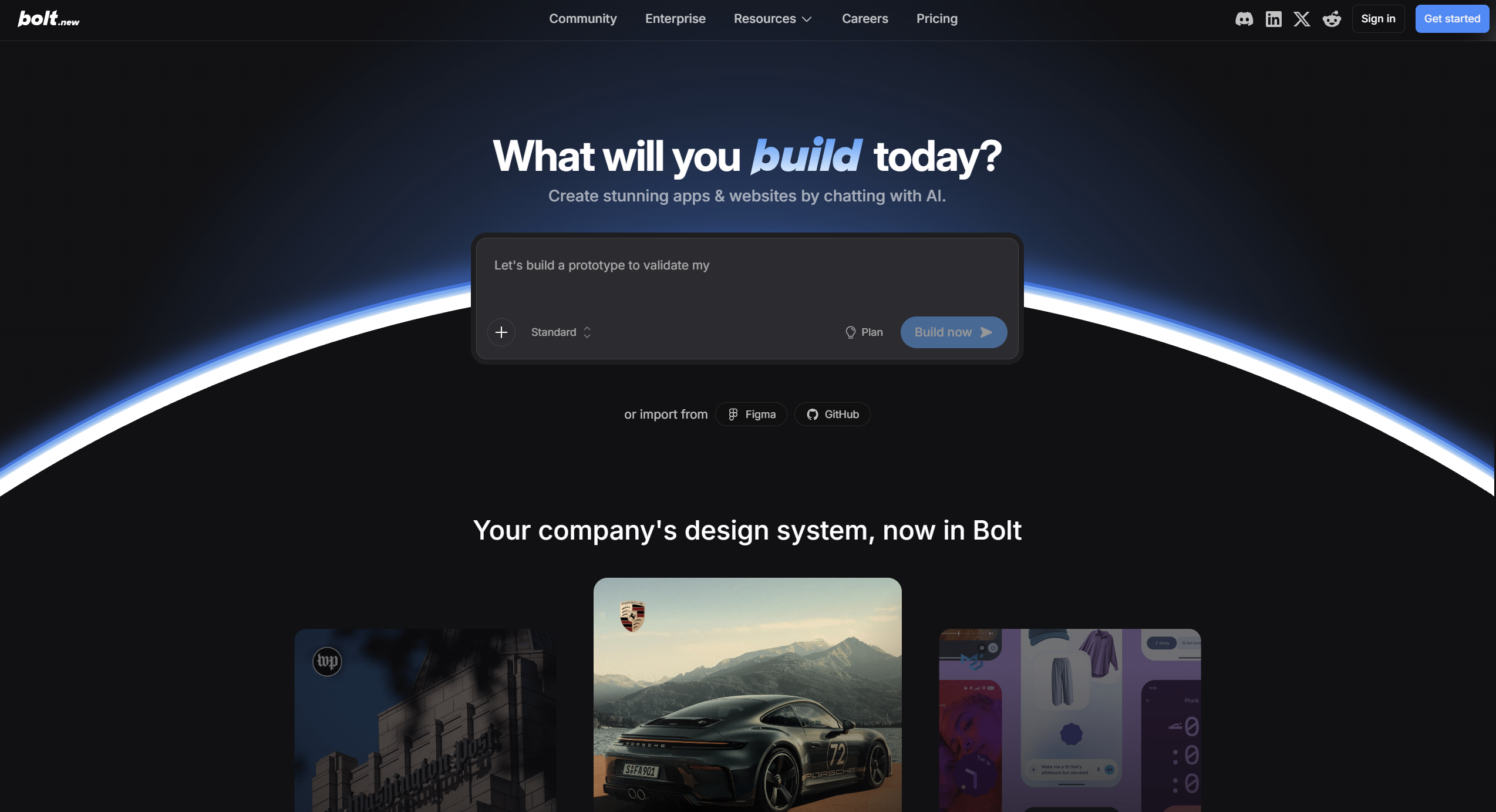
Open a new project and describe what you're building and the stack you want, since Bolt isn't locked to one: "a React + Vite todo app with local persistence and a clean, minimal UI." Bolt scaffolds a real project, installs packages, and runs a dev server right in the browser.
Choosing the stack explicitly avoids the model guessing — and avoids the re-do that wastes tokens.
Step 2 — Iterate in the live environment
Build feature by feature, checking the live preview after each change. Because Bolt runs an actual environment, what you see behaves like a real app — packages, server and all — so you catch problems early.
Make one focused change at a time. It's easier to verify, and far cheaper than letting the agent loop on a big, vague request.
Step 3 — Keep tokens under control
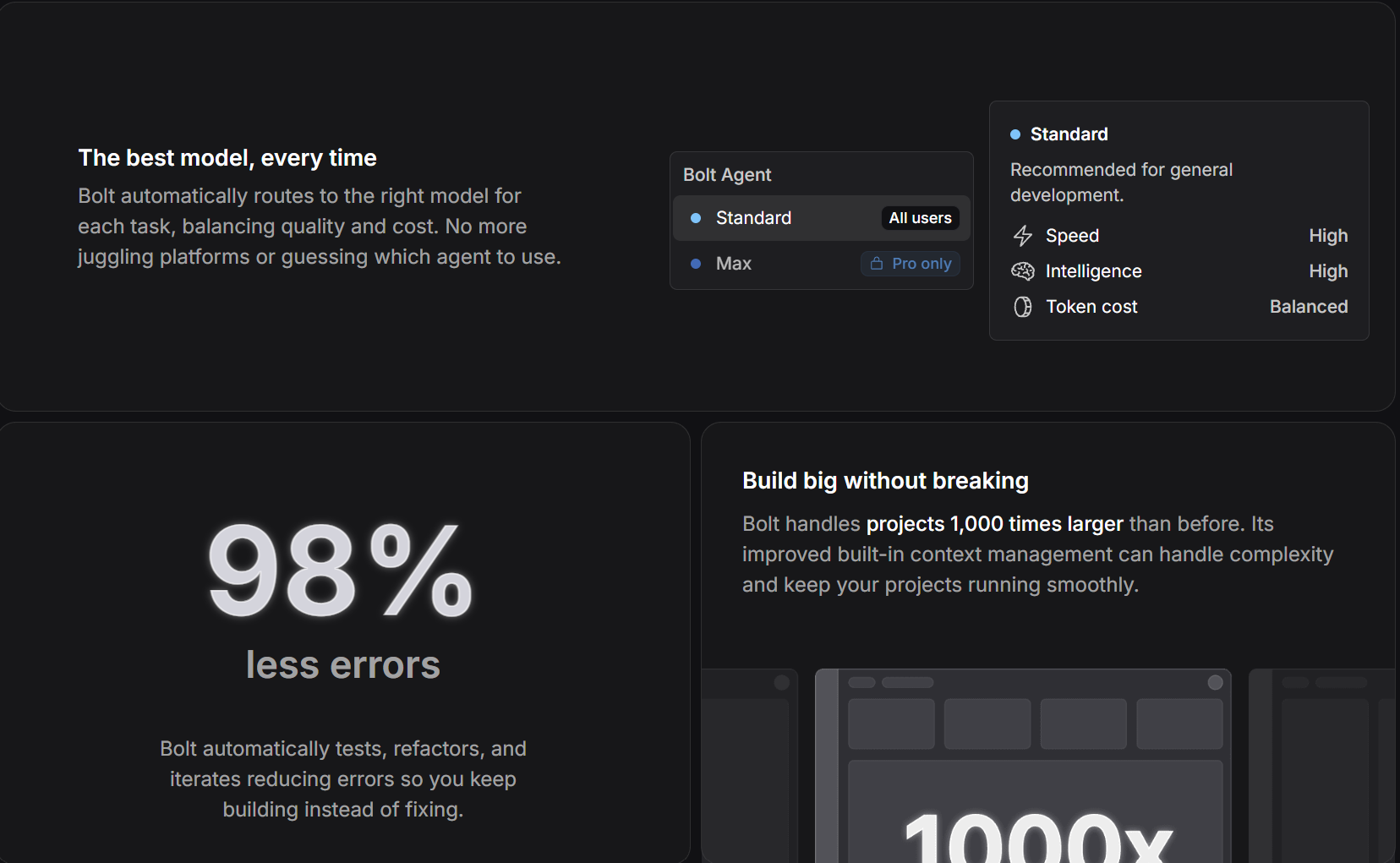
This is the part people learn the hard way. Bolt sends a lot of context per step, and error-fix loops compound fast. Three habits keep costs sane:
- Scope prompts tightly — one clear change beats a broad "make it better".
- Fix errors yourself when they're trivial, rather than burning tokens on a round-trip.
- Edit small things by hand in the code instead of prompting for them.
Watch the meter
If you notice the agent looping on the same error, stop and read the code yourself. One minute of human debugging often saves a long, expensive back-and-forth.
Step 4 — Deploy to Netlify
When it's working, deploy straight to Netlify from the editor for a live URL. Because you have full access to the source, you can also export the project and continue in your own local setup whenever you outgrow the in-browser flow.
The result
A real, running app on the stack you chose, deployed to a live URL — built in a single session, with the token discipline that keeps Bolt genuinely affordable.
Build your app with Bolt.new (opens in a new tab)