 Cursor
What you'll build
A real, self-contained feature added to an existing codebase using Cursor's agent — for example, a user settings page with persistence. More importantly, you'll learn to drive the agent well: planning first, scoping changes, and reviewing output like a senior engineer rather than accepting whatever it produces.
Who this is for
This guide assumes you write code and have a project to work in. The agent is an accelerator, not a replacement for understanding your codebase. New to the tool? Start with the Cursor review, then compare it with Windsurf.
Step 1 — Give the agent context
Open your project in Cursor and let it index the repository. Point the agent at the relevant files or folders for your feature so it works from your real conventions — your component patterns, your data layer, your types — instead of generic assumptions.
Good context up front is the single biggest lever on output quality.
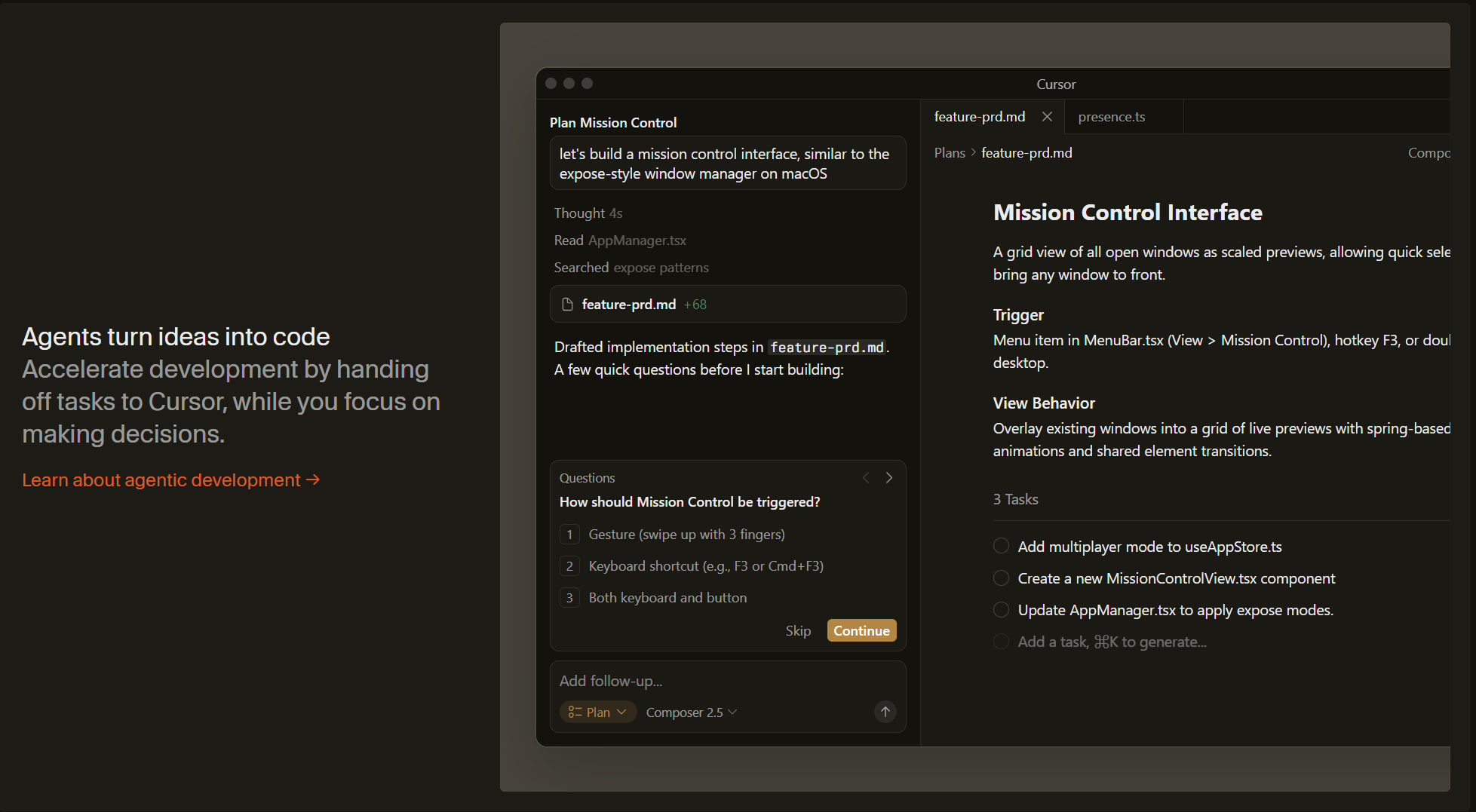
Step 2 — Plan before you build
Use chat to agree an approach before any code is written: "We're adding a settings page. Here's the data we store and where. Propose the files to add or change and the order to do it in." Read the plan critically and correct it. A few minutes here prevents a sprawling, wrong diff later.
Step 3 — Let the agent implement
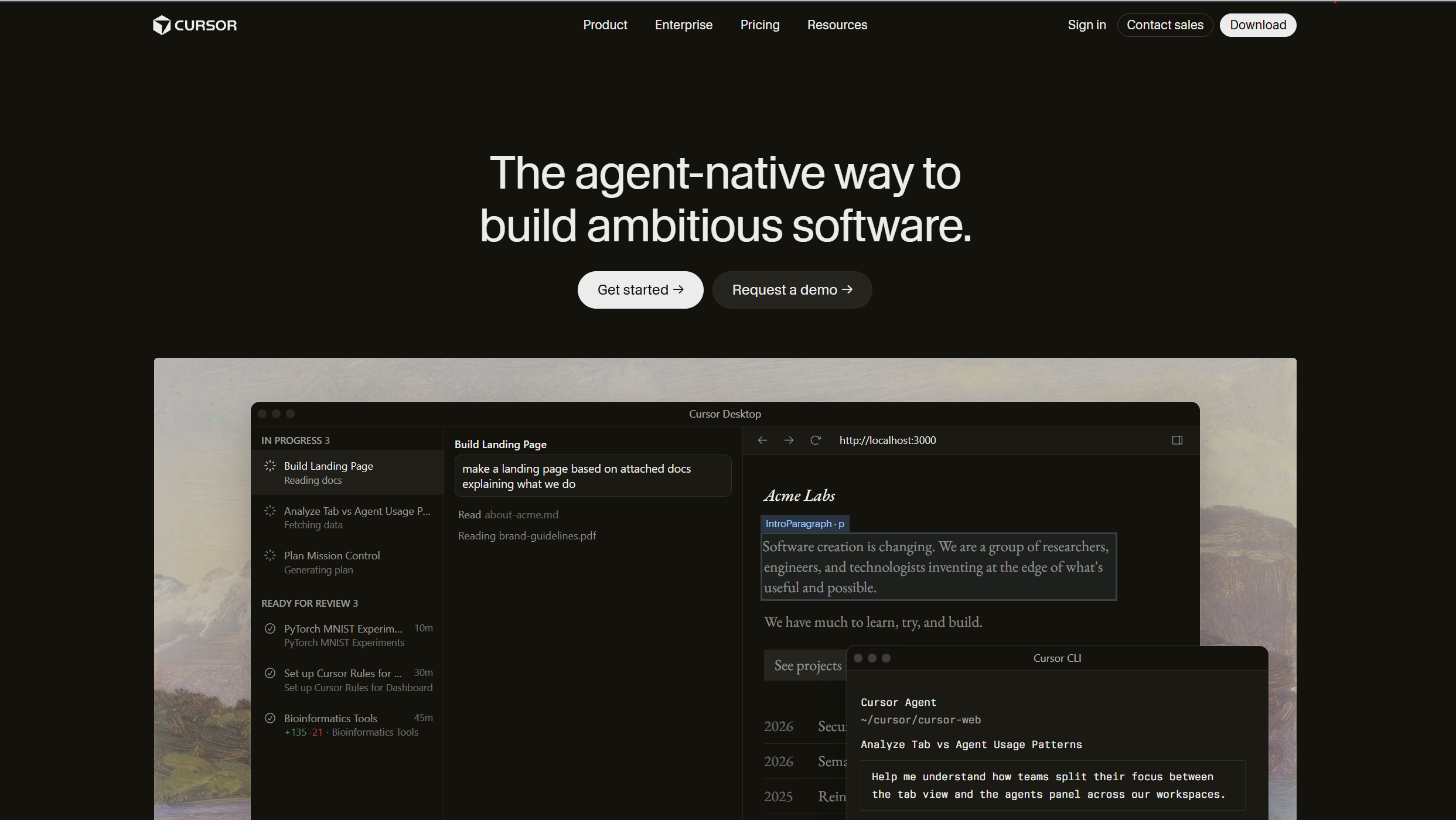
Have the agent execute the plan across files. It will create components, wire up state, touch the data layer and run commands. Work in small, reviewable increments rather than one giant request — it's easier to keep on track and easier to undo.
Step 4 — Review like a pull request
Read every diff. Check the logic, the edge cases, the naming and how it fits your patterns — exactly as you would a colleague's PR. The agent can be confidently wrong on subtle code, and catching that is your job, not its.
The golden rule
Never merge agent output you don't understand. If a change is unclear, ask the agent to explain it or simplify it until you do. Speed is worthless if you can't maintain what ships.
Step 5 — Test and iterate
Run the app, exercise the feature, and feed failures back to the agent to fix. Add or update tests as part of the same loop. When it's green and you'd happily own the code, you're done.
The result
A real feature shipped in a fraction of the usual time — with the quality bar held, because you planned the work, scoped each change, and reviewed every line. That's the difference between using Cursor and being used by it.
Build faster with Cursor (opens in a new tab)